You tapped a Story. Two seconds later, the panic set in.
Your name is now sitting in their viewer list. Your ex. Your competitor. The brand you're quietly studying before a pitch meeting. The coworker whose wedding you weren't invited to. And there's no "unsee" button.
Here's the good news: if the account is public, you never had to leave a trace in the first place. A whole category of tools exists so you can watch Instagram Stories without logging in, without an account, and without your name showing up anywhere.
Below, you'll find eight of them, what each one is genuinely good at, and the one mistake that turns "anonymous browsing" into "handing your password to a stranger."
Why the Viewer List Is Instagram's Most Awkward Feature
Instagram Stories were built to feel casual and temporary. But the viewer list turns every tap into a tiny public statement: I'm paying attention to you.
That creates real friction for a lot of people:
• The marketer who checks competitors' Stories every morning and doesn't want to tip them off.
• The non-user who deleted Instagram but still wants to see a café's daily specials or a band's tour updates.
• The cautious browser who doesn't want an algorithm (or a person) drawing conclusions from what they watch.
• The creator who wants to back up their own Stories before they disappear after 24 hours.
None of these are shady motives. They're just people who want to look without being seen looking.
How Anonymous Story Viewers Actually Work
Here's what happens behind the scenes, in plain English.
When an account is public, its Stories are publicly accessible content. An anonymous viewer acts as a middleman: it requests the Story, then shows it to you in your browser. Because Instagram never sees your account, there's nothing to add to the viewer list.
That also explains the hard limit every honest tool shares: private accounts are off-limits. Private Stories require an approved follower's login, and no legitimate tool can get around that. Remember this. It's the single most useful fact for spotting scams later.
The 30-Second Method
1. Open any viewer from the list below in your browser.
2. Type the public username (usually without the @).
3. Hit search.
4. Watch, and download if the tool supports it.
No app, no sign-up, no password. If a tool asks for any of those, close the tab.
The 8 Best Instagram Story Viewers, Matched to What You Actually Need
Instead of ranking these from "best" to "worst," we've matched each tool to the job it does best. The right pick depends on what you're trying to accomplish.
1. StoriesIG: Zero Fuss, Instant Stories
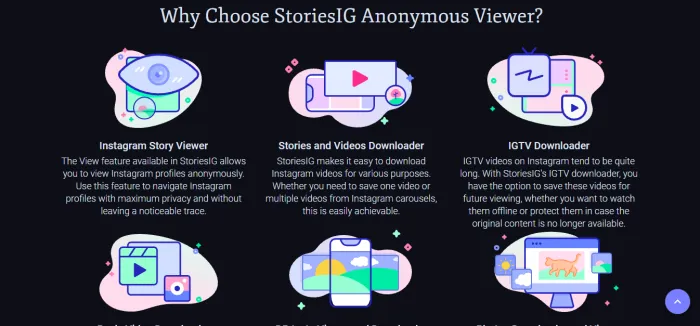
Some days you don't want features, dashboards, or settings. You want to see the Story, right now, before it expires. That's the gap StoriesIG fills.
The experience is about as simple as web tools get. You land on the homepage, type a public username into the search bar, and the account's active Stories load in a clean, scrollable layout. Each Story can be played directly in your browser, and there's typically a download button beneath each one if you want to save it. Because it runs entirely in the browser, it works the same on a phone during your commute as it does on a laptop at work.
Where StoriesIG shines is low friction. There's no learning curve, so it's an easy recommendation for friends or family who aren't tech-savvy. Where it's thinner is depth: if you want full profile analysis, hashtag search, or marketing insights, you'll need a broader tool.
Pros: Fast, minimal interface, works on any device, no sign-up. Cons: Few extras beyond viewing and saving, limited to public accounts.
Bottom line: The tool to bookmark for quick, occasional peeks when you just want the Story and nothing else.
2. MyStorySaver.com: Need to Keep Stories Forever?
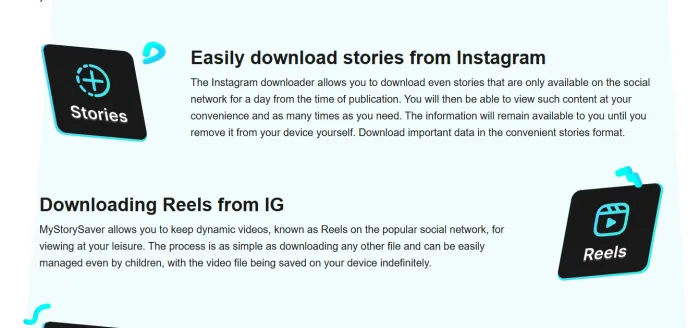
Instagram designed Stories to disappear in 24 hours. That's great for spontaneity and frustrating for anyone who wants a record. MyStorySaver.com is built around fixing that.
You enter a public username, the tool pulls up the account's current Stories, and each one comes with an option to save it to your device as an image or video. That makes it particularly useful for three groups. Creators can back up their own Stories without digging through Instagram's archive. Marketers can build a "swipe file" of campaigns, promotions, and creative ideas worth studying later. And everyday users can keep a copy of something useful, such as a recipe, a workout routine, or event details, before it vanishes.
Since downloads are the main event here, remember the usual rule: saving content for personal reference is one thing, but reposting someone else's work without permission is another.
Pros: Download-first design, saves both photos and videos, simple workflow. Cons: Fewer browsing and research features than all-in-one viewers.
Bottom line: Your best bet if the goal isn't just to watch Stories but to keep them.
3. Dumpor: Research Entire Profiles, Not Just Stories
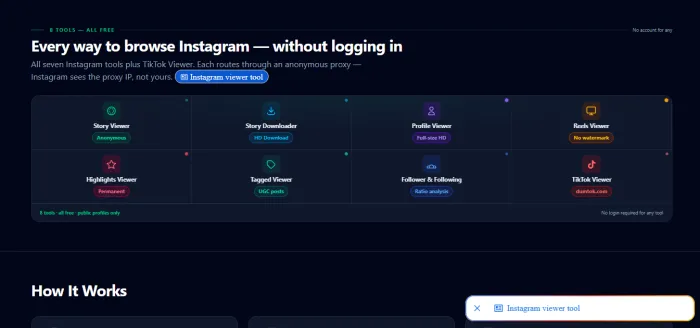
Dumpor earned its reputation by going beyond Stories. Rather than showing a single Story and stopping there, it has been used to browse entire public profiles, including posts and profile details, and to search by username or hashtag.
That broader view makes a real difference when you're doing research rather than casual viewing. Say you're evaluating an influencer for a brand partnership: today's Story tells you very little, but scrolling their posts, captions, and posting patterns tells you a lot. Or maybe you're studying a niche through a hashtag to see what content performs in that space. Dumpor's profile-level and hashtag-level browsing supports that kind of investigation without ever logging in.
The honest caveat: Dumpor has experienced periods of downtime and changes in availability. Check whether it's currently working before building it into a routine, and keep an alternative from this list on standby.
Pros: Profile-wide browsing, hashtag search, useful for research. Cons: Availability has been inconsistent, so reliability can vary.
Bottom line: A powerful research tool when it's online; just don't make it your only option.
4. MomentSave.app: One Downloader for Stories, Reels, and Posts
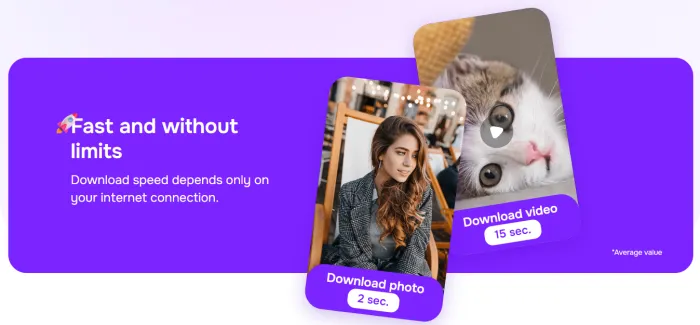
Instagram isn't just Stories anymore. It's Reels, carousels, single posts, and highlights, and switching between a different tool for each format gets old fast. MomentSave.app is designed to handle several content types in one place.
The workflow is simple: paste a username or a content link, and the tool fetches what's available for download. For social media managers collecting inspiration across formats, or creators repurposing their own content for other platforms, having one go-to downloader saves real time. It's also handy for saving tutorials and how-to Reels you'll want to revisit offline.
As with any downloader, the content is only as accessible as the account allows: public profiles work, private ones don't.
Pros: Handles multiple content formats, link or username input, saves time. Cons: Download-focused rather than built for browsing or analysis.
Bottom line: If you regularly save Reels and posts, not just Stories, this is the most practical pick.
5. StoryNavigation: Want to Stay Completely Invisible?
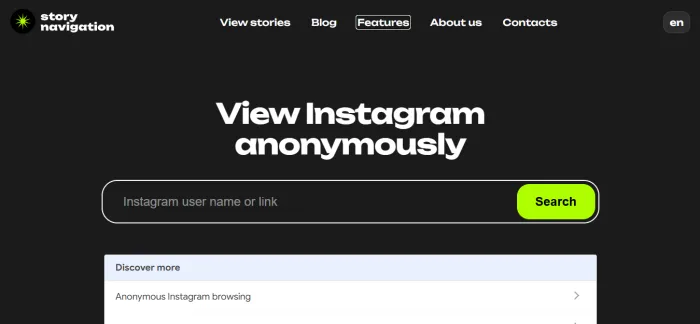
Many anonymous viewers try to be everything at once: downloaders, analytics tools, profile browsers, and editors, all crammed onto one page. StoryNavigation takes the opposite approach. It's a dedicated anonymous Instagram Story viewer, built around one goal: letting you watch Stories privately and easily.
Using it takes seconds. Enter a public username, and the account's active Stories appear right in your browser. There's no login, no account to create, and nothing that connects the view back to you, so your name never shows up in the account owner's viewer list. It works on both desktop and mobile browsers, so you can check a Story wherever you are without installing an app.
That narrow focus is the point. When privacy is your priority, a clean, purpose-built tool means fewer distractions and a more straightforward experience. It's well suited to anyone who wants to follow public accounts, from brands and creators to local businesses, without announcing their interest.
If staying invisible is what matters most, visit the StoryNavigation website and try it with any public account.
Pros: Privacy-first design, no login required, works on desktop and mobile, focused interface. Cons: Like all legitimate viewers, limited to public accounts.
Bottom line: When anonymity is the whole point, this focused viewer is the go-to choice.
6. AnonStories: Highlights Reveal More Than Today's Stories
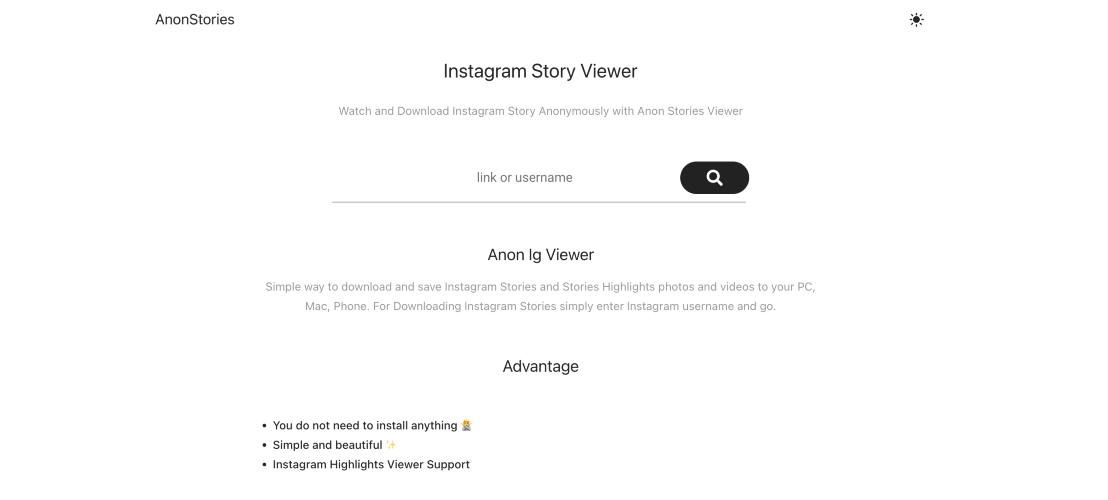
Today's Stories show you what's happening now. Highlights show you what someone chose to keep, and that curated history is often far more valuable, especially for research.
AnonStories focuses on anonymous viewing of both active Stories and highlights from public accounts, with download options included. That combination opens up useful scenarios. A brand's highlights often contain its FAQs, product catalogs, customer reviews, and past promotions, essentially a free look at how it presents itself. A creator's highlights can reveal their partnerships, recurring content series, and audience focus. And if you're vetting a business before buying, highlights frequently answer questions faster than its website does.
As the name makes clear, discretion is the core promise: no login and no trace in the viewer list.
Pros: Covers highlights as well as current Stories, download options, anonymity-focused. Cons: Fewer profile-research or marketing features than broader platforms.
Bottom line: Want the curated story of an account, not just the last 24 hours? Start here.
7. Inflact: Story Viewing Inside a Full Marketing Toolkit
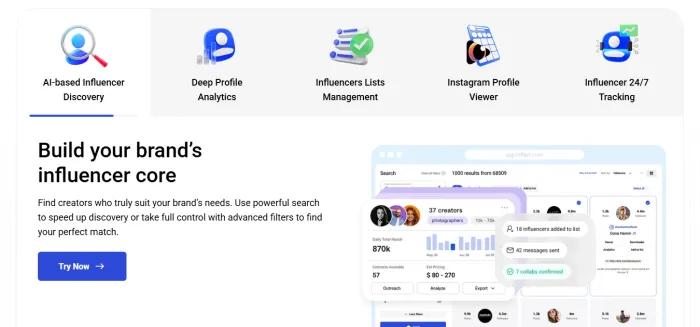
Inflact is the outlier on this list. It isn't primarily a Story viewer at all; it's an Instagram marketing platform that includes an anonymous Story viewer among its tools. The wider toolkit has been known to cover areas like analytics, hashtag research, and growth support, with some features free and more advanced ones behind paid plans.
For businesses, that's the appeal. A social media manager can quietly watch a competitor's Stories to see what promotions they're running, then switch to Inflact's other tools to research hashtags or plan content in response. Instead of juggling several separate sites, the research and the action live in one place.
For a casual user, though, all that extra functionality can be more than needed. If you only want to see a Story, a lighter tool will get you there faster.
Pros: Story viewer plus a broader marketing toolkit, useful for competitor research. Cons: More complex than needed for casual viewing; advanced features may require payment.
Bottom line: Marketers and businesses will get the most out of it, since Story viewing is just one part of a bigger Instagram toolkit.
8. Picuki: Browse, Discover, and Edit in One Place
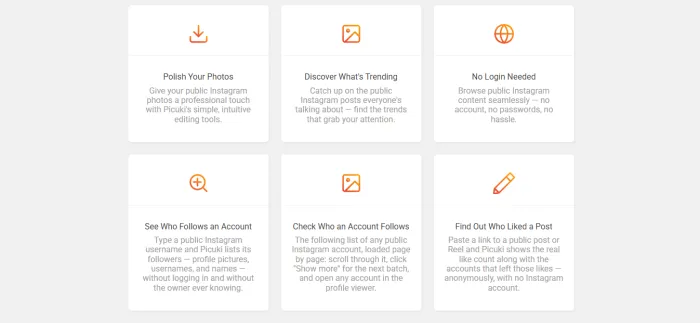
Picuki has carved out a niche as both a viewer and a lightweight editor. Users have been able to browse public profiles, Stories, posts, and tags without logging in, with basic photo-editing features available alongside.
That pairing suits a particular kind of user: someone who browses for visual inspiration and wants to experiment with images in the same session. Designers, content creators, and casual browsers who enjoy exploring tags have found it useful as a combined discovery-and-editing space. Tag browsing in particular is a good way to explore trends in a niche without an account feeding your choices into Instagram's algorithm.
Like Dumpor, Picuki has had availability issues at times, so confirm it's working and keep a backup handy.
Pros: Profile and tag browsing, built-in editing features, no login. Cons: Availability has been inconsistent; editing tools are basic.
Bottom line: Fun and flexible for browsing and light editing, though it works best alongside a more reliable backup.
Cheat Sheet: Pick Your Tool in 5 Seconds
| If you want to... | Try this |
|---|---|
| Peek at a Story fast | StoriesIG |
| Save Stories for later | MyStorySaver.com |
| Research a whole profile | Dumpor |
| Download Stories, Reels, and posts | MomentSave.app |
| Stay completely invisible | StoryNavigation |
| See highlights, not just Stories | AnonStories |
| Research competitors professionally | Inflact |
| Browse and edit | Picuki |
Third-party tools change often. Confirm current features on each site before relying on them.
5 Myths About Anonymous Story Viewers (Busted)
Myth 1: "Some tools can show private accounts." They can't. Any site making this promise is almost certainly a scam trying to harvest your data, your clicks, or your login.
Myth 2: "The account owner gets notified." No. Since you're not logged in, Instagram has no account to report. You won't appear in the viewer list.
Myth 3: "You need to log in for it to work." The opposite is true. The moment a viewer asks for your Instagram password, it's no longer anonymous, and it's no longer safe.
Myth 4: "Downloading means you can repost it." Saving content is one thing. Reposting someone else's photos or videos without permission can violate their copyright and Instagram's rules.
Myth 5: "If one tool stops working, they're all dead." These tools depend on how Instagram works, so they occasionally break after platform updates. That's why bookmarking two or three is the smart move.
The Red-Flag Checklist: Close the Tab If You See...
• A request for your Instagram username and password
• Promises to unlock private accounts
• "Human verification" surveys before you can view anything
• Prompts to install an app, extension, or file you didn't ask for
• Pop-ups claiming your phone is infected
A good anonymous viewer asks for one thing only: the public username you want to see.
The Etiquette Part Nobody Talks About
Anonymous viewing is a privacy tool, not a surveillance tool. Checking a brand's promotions, studying a competitor's content strategy, or following a public figure without an account? Completely reasonable. Repeatedly monitoring someone who has blocked you or asked for distance? That crosses a line, and no tool makes it okay.
Use these tools the way you'd want others to use them on you.
Final Bottom Line
You shouldn't have to announce your curiosity every time you watch a public Story. The right anonymous viewer depends on your goal. For quick peeks, StoriesIG keeps it simple. For saving content, MyStorySaver.com and MomentSave.app lead the way. For research, Dumpor, AnonStories, and Inflact go deeper. And when staying invisible is the top priority, StoryNavigation offers a focused, privacy-first experience.
Whichever you choose, follow three rules: stick to public accounts, never enter your Instagram password into a third-party site, and respect the people whose content you're viewing. Bookmark two or three tools that fit how you browse, and you'll always have a quiet way to keep up with the Stories that matter to you.